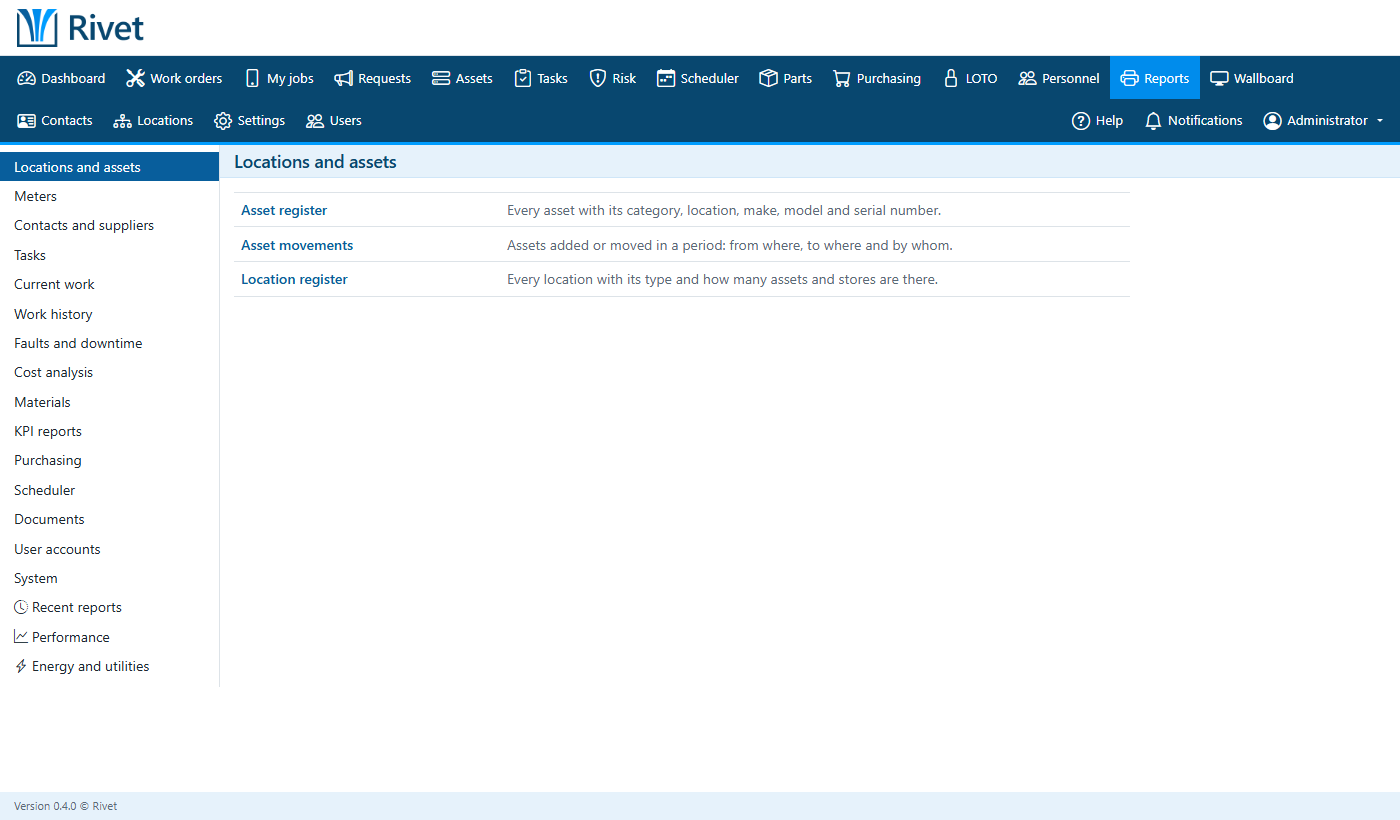
Everything a maintenance department runs on
Every plan includes every feature. Plans only differ in how many people use it.
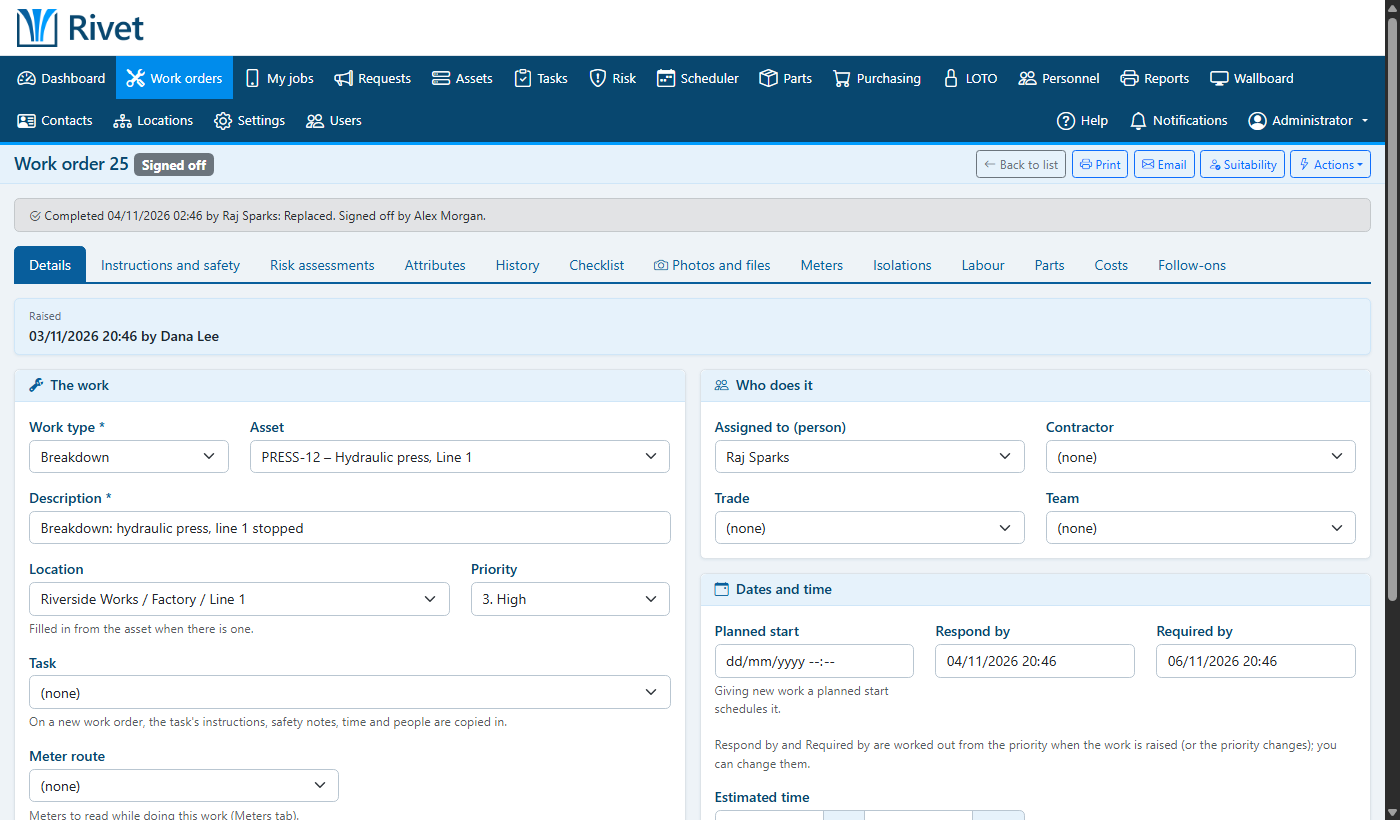
Work orders that close the loop
Breakdowns, requests and planned jobs all become work orders with a priority, a due date and the people doing them. Engineers record their time, parts and notes, and supervisors sign the work off.
- Work requests from anyone, approved before they become jobs
- Labour, parts and costs on every job
- Printable work orders
- History for every asset and location
PPMs that schedule themselves
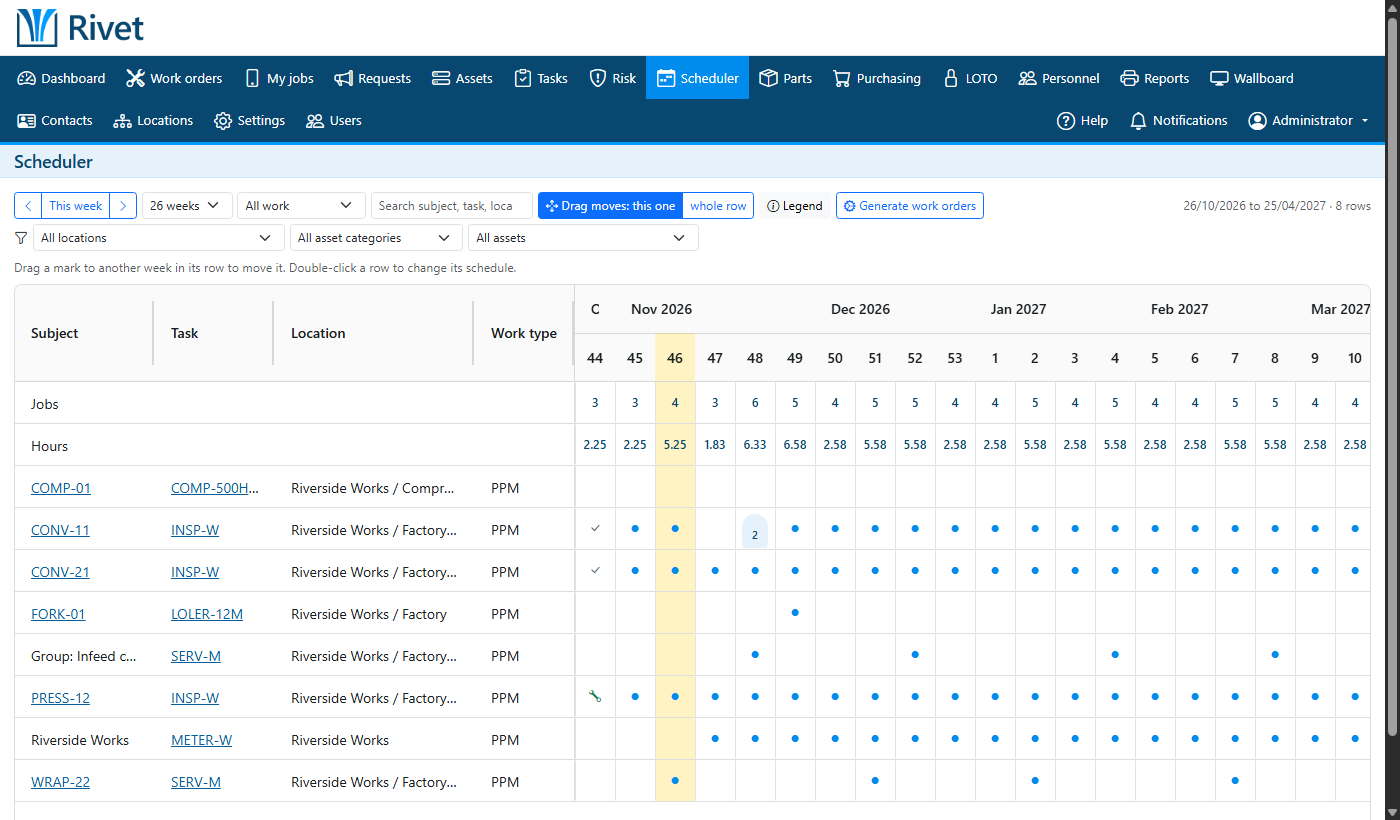
Set a task up once, by the calendar or by meter reading, and its work orders appear on time, every time. The scheduler shows the year ahead at a glance.
- Calendar and usage-based schedules
- A year-ahead scheduler and a planning board
- Overnight generation in your own time zone
- Overdue PPMs flagged on the home screen
Spares where you need them
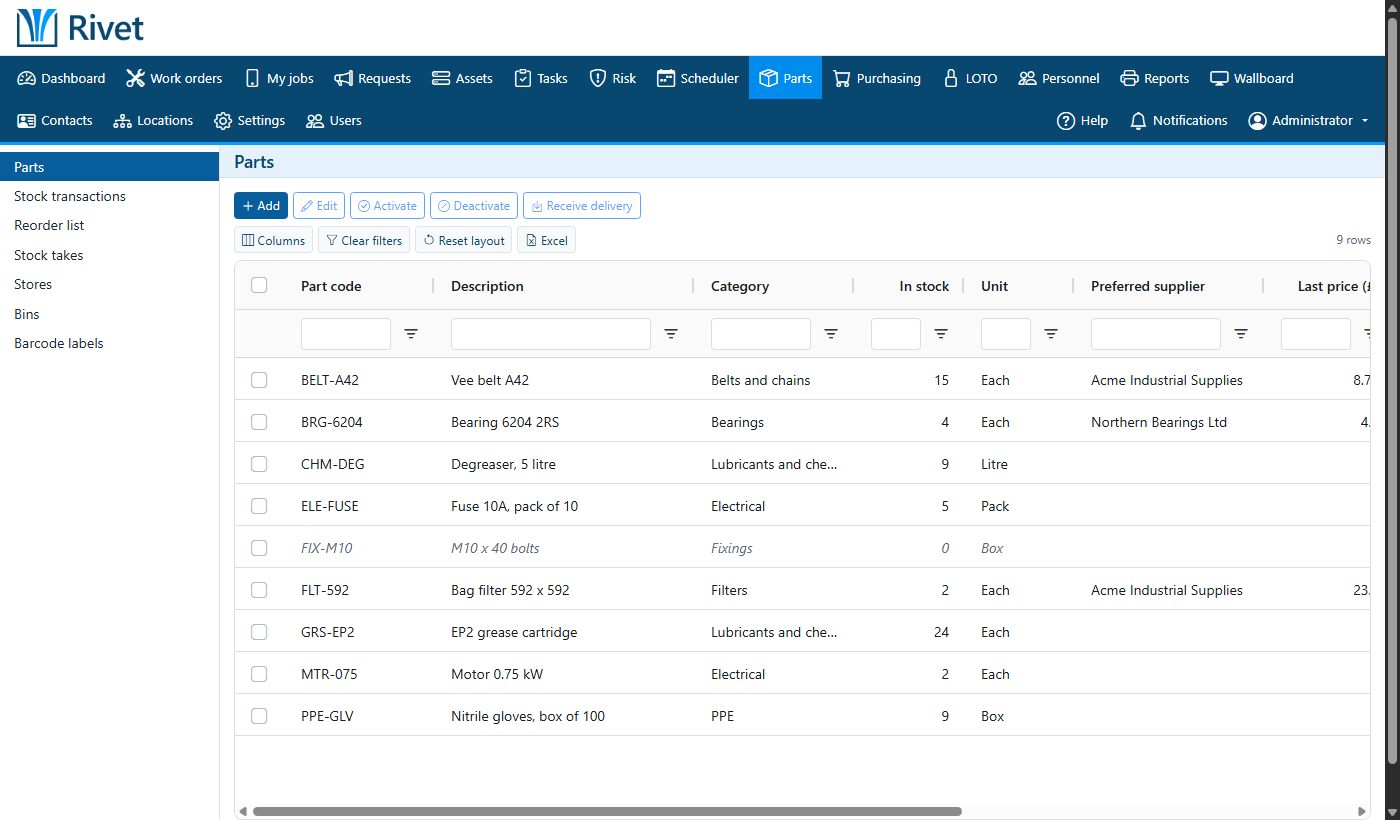
Know what's on the shelf, where it is and when to reorder. Every movement is recorded, from receiving a purchase order to issuing a part to a job.
- Stores, bins and reorder levels
- Purchase orders and receiving
- Stock takes with printed count sheets
- Batches, serial numbers and QR code labels
Lock-out tag-out and risk assessments
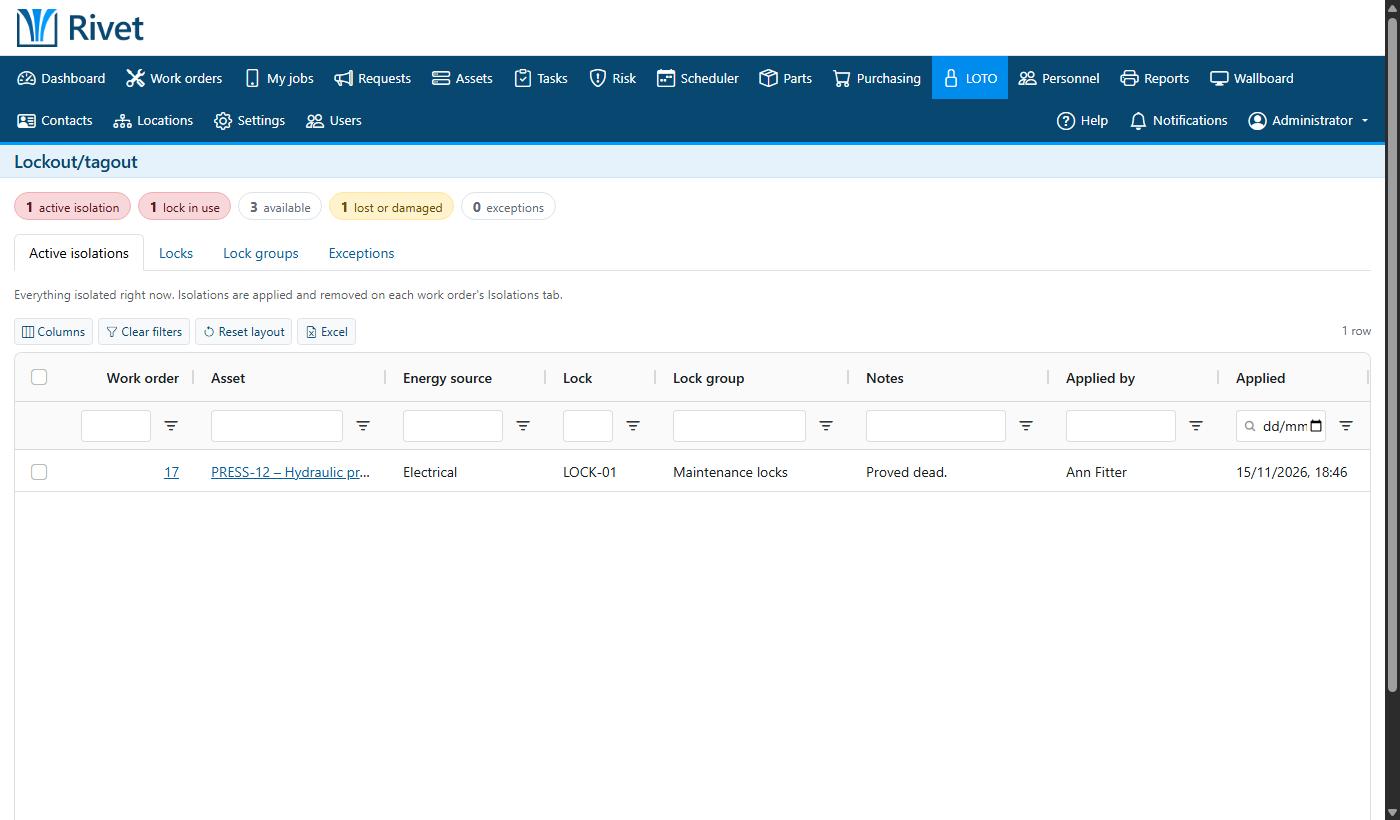
Isolation procedures and risk assessments are attached to the work, so every job carries the right controls and nobody starts on live equipment.
- LOTO procedures with isolation points
- Risk assessments approved before use
- Controls shown on the printed work order
Rotas, skills and training
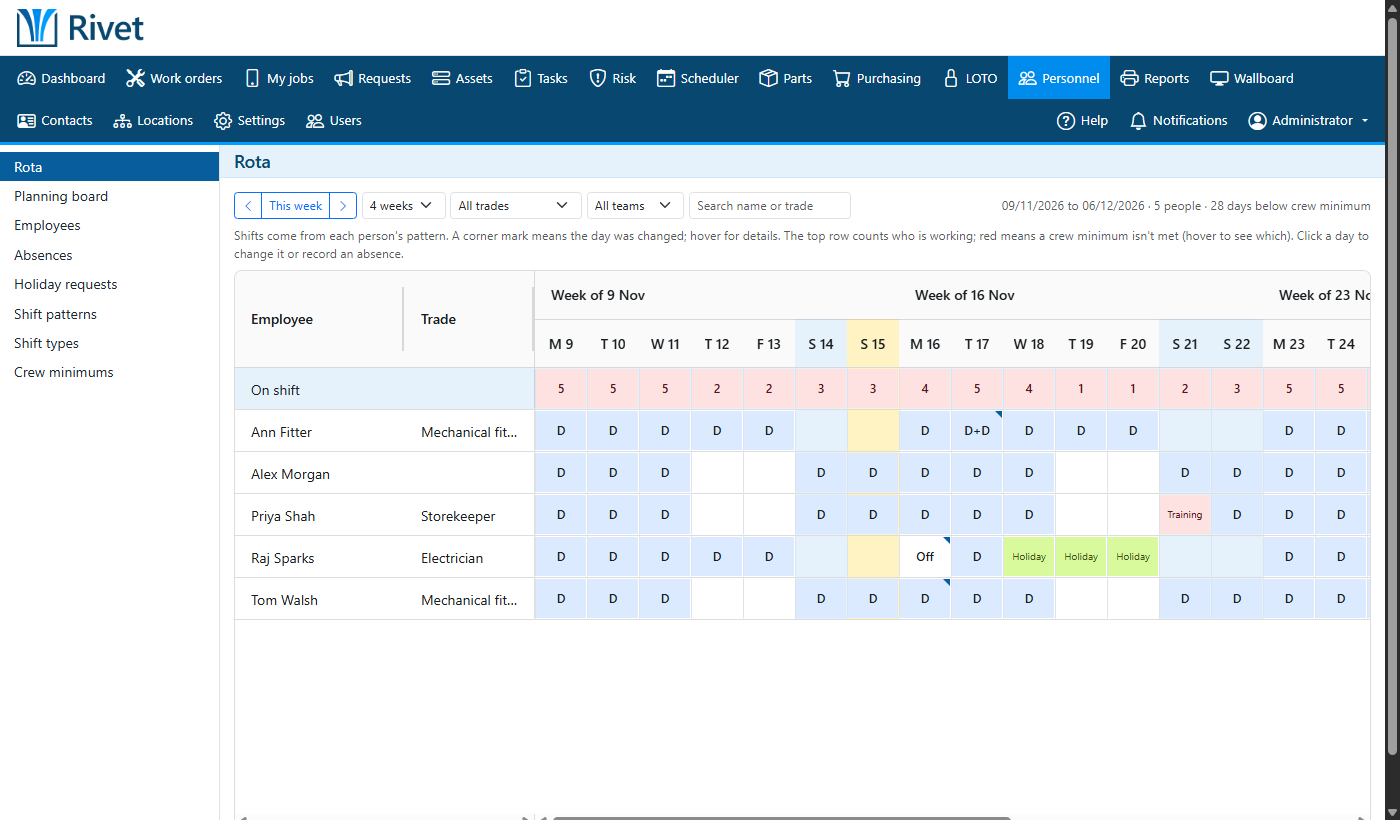
See who's on shift, who's on holiday and who's trained to do each job, so work goes to the right person.
- Shift rotas and holidays
- Training records and qualifications
- Staff suitability for each task
Answers for the weekly meeting
Reports on work done, costs, downtime and stock, on screen or in Excel, plus a home screen showing what needs attention today.
- Export lists to Excel
- Reports that run in the background
- Wallboards for the workshop screen